AI training for work planners
One day in which work planners (site preparation) learn to use AI on their own work. You practise on your own projects, from specifications and the Dutch RAW system to work plans, health and safety plans, requests for quotation and variations.
New programNot yet delivered to a client. Built on the approach of our AI training for the civil earthworks sector
How the day fits site preparation
An intake first, your own projects on the day itself, and a 30-day plan afterwards.
Tailored intake
Beforehand, a short questionnaire maps which tools you use, what kind of projects you work on and which tasks take the most time. We build the examples and exercises in the training on those answers.
- Intake survey beforehand
- Examples from your type of projects
- Project data concerns mapped in advance
One day in depth
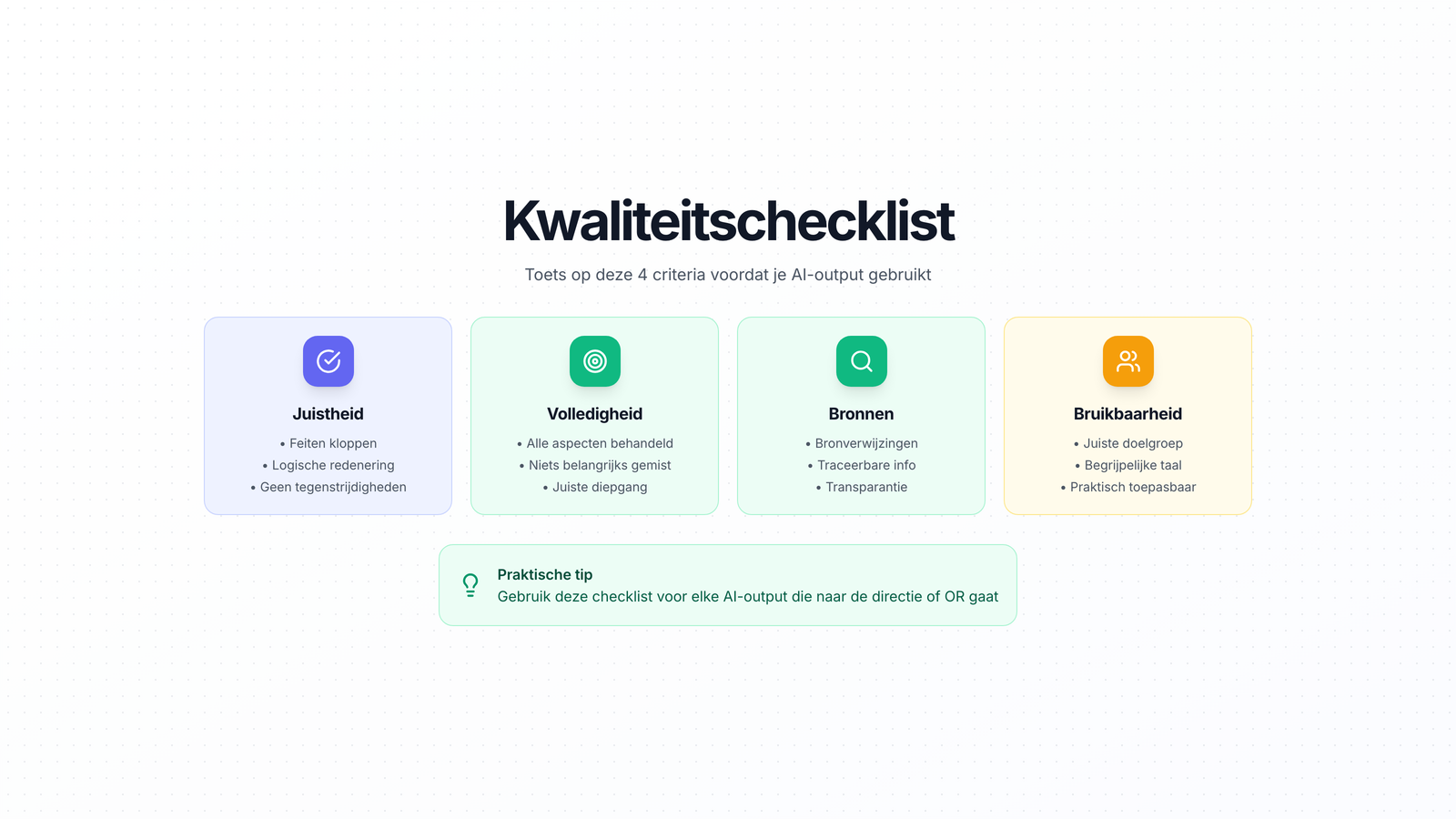
The morning covers the foundation: how AI works, prompting, what you can and cannot share and how to check output. The afternoon is about the work itself: specifications, work plan, health and safety, requests for quotation, variations and handover.
- AI foundation
- Checking against specification and standard
- Applications per workstream
- Practice on your own projects
Prompt Pack and a 30-day plan
You finish with prompts for your own work and a plan for the first thirty days. Afterwards an evaluation measures what the training delivered.
- Prompt Pack for site preparation
- 30-day action plan
- Agreements with your team
What you take back to your projects
You go home with prompts that work on your own projects and a fixed check before anything goes to the site team, the client or a subcontractor.
 Image: AI-generated
Prepare faster and check everything before it goes to the site
Skills to use AI responsibly in site preparation
The specification stays leading
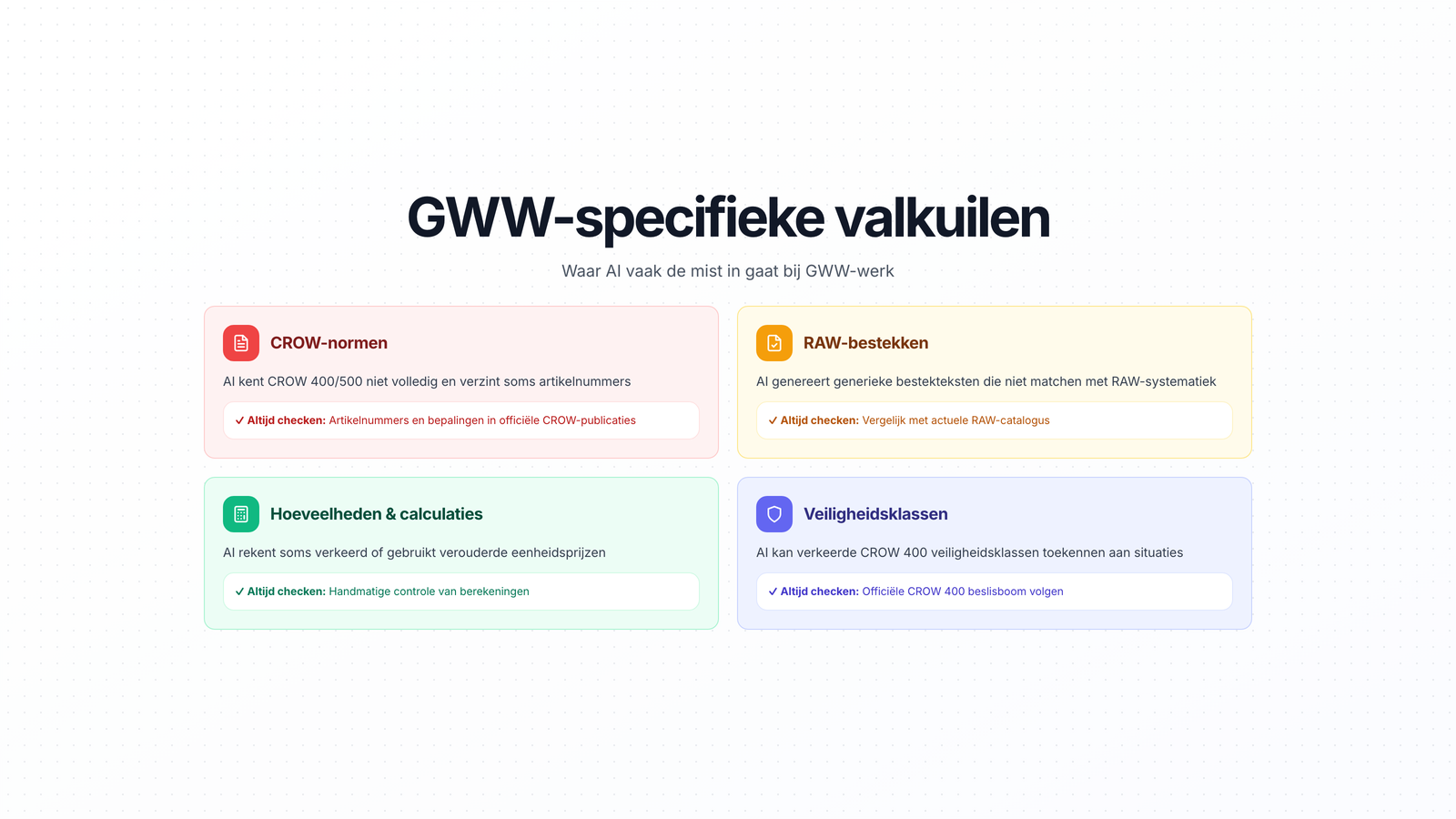
AI summarises a specification quickly, but sometimes skips a clause or invents one. You learn to summarise with the clause number attached, so you can trace everything back to the RAW text.
Safe with project data
What do you put into an AI tool and what not? Drawings, KLIC utility data, prices and residents' details each need their own judgement.
Prompting with your own work
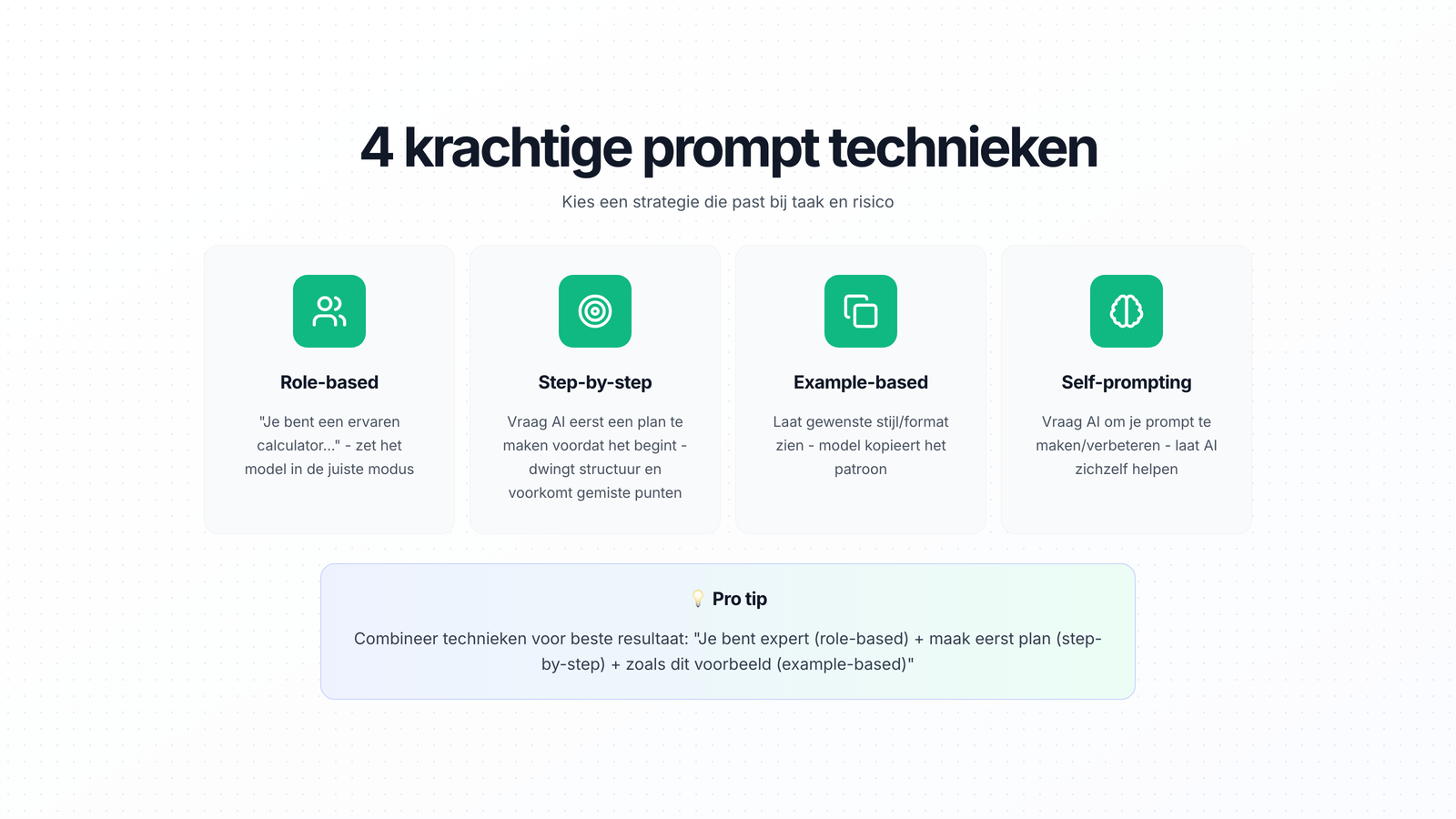
Four questions before you type and techniques to steer, practised on a method statement, a request for quotation and a letter to the neighbourhood.
Check before it goes out
AI sounds certain, even when a quantity or standard is wrong. You learn a fixed check on figures, standards and assumptions.
Saving good prompts
A good prompt for a work plan or a request for quotation is worth saving. Then you reuse it on the next project, and so do your colleagues.
You stay responsible
The safety judgement, the choice of method and the conversation with the site manager remain human work. AI delivers the first draft, not your signature.
The day program
Morning: AI foundation and checking. Afternoon: the work of the work planner, with your own projects.
A look inside the training
A preview of what to expect
What participants say
This program is new and has not yet been delivered to a client. So here is what participants in our other trainings say.
Provided a lot of clarity and practical tools for using AI in our work.
I found it to be an educational training that is also practically applicable. It was great to work on topics you actually encounter in practice, and that the training is tailored to these situations, which makes it easy to understand.
Educational. For most people this is still fairly unfamiliar territory, so it's great to become a bit wiser through a clear explanation.
I discovered there is so much more possible with AI; that it would be this easy in the end is what I expected least.
Extremely interesting and a real eye-opener for many participants. The training was practical, easy to follow, and offered insights that could be applied immediately.
First genuinely enjoyable training in a very long time. You present a clear narrative, ask insightful follow-up questions about how things work in our profession, and share practical tips (along with a great list of useful prompts that we can immediately build on).
This training is new and has not been delivered yet, so it has no evaluations of its own. The figures come from 46 evaluations of our other trainings.

Emiel van Lieshout
Founder · AI trainer
Runs the in-company programmes, from prompt frameworks to working with agents.
Training options
Choose the depth that fits your site preparation team. Prices excl. VAT
- AI foundation
- Effective prompting
- What can and cannot go into an AI tool
- Checking output on figures and standards
- All materials included
- Everything from half day
- Reading specifications and RAW with AI
- Work plan, schedule and health & safety
- Quotations, purchasing and variations
- Practice on your own projects
- Personal action plan
- Follow-up session (optional)
- Everything from full day
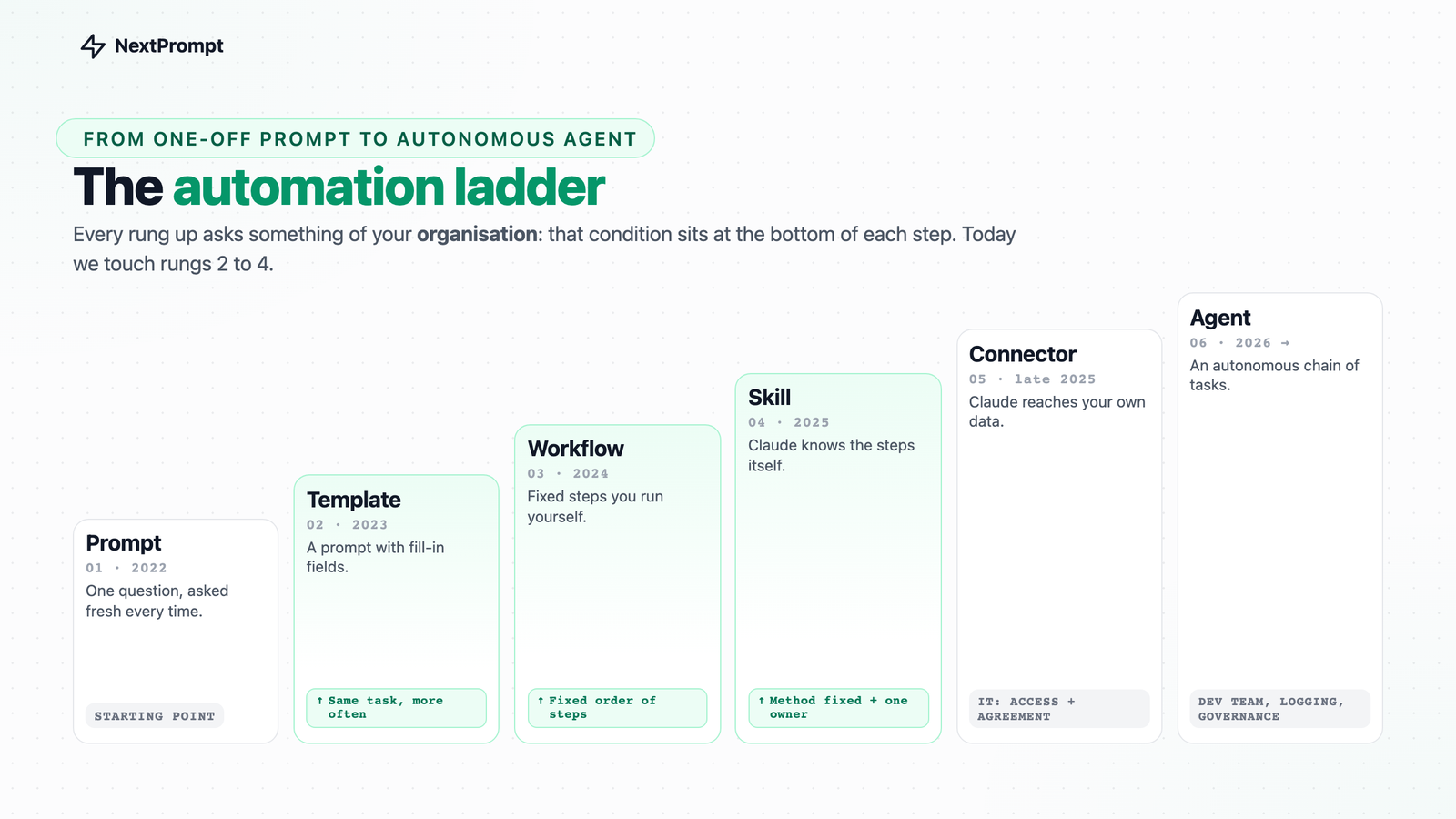
- Your own assistants for recurring work
- Shared prompts and templates for the team
- Pilot guidance
- 2 follow-up sessions
What's included?
Frequently asked questions
What you need to know about the training
Plan an AI training for your work planners
Tell us about your organisation and projects. We will gladly think along about the right setup.